Search Coordinates tool
1 min
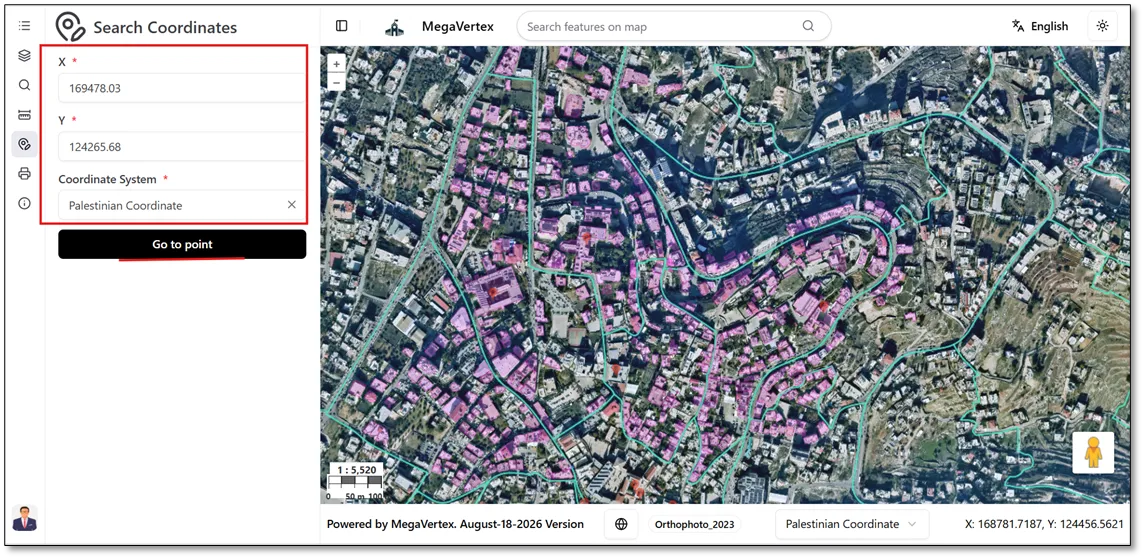
When you open the Search Coordinates tool  , you can locate a specific point on the map by entering its X and Y coordinates and selecting the appropriate coordinate system. Then, click Go to Point to navigate to the specified location, as shown in the figure below.
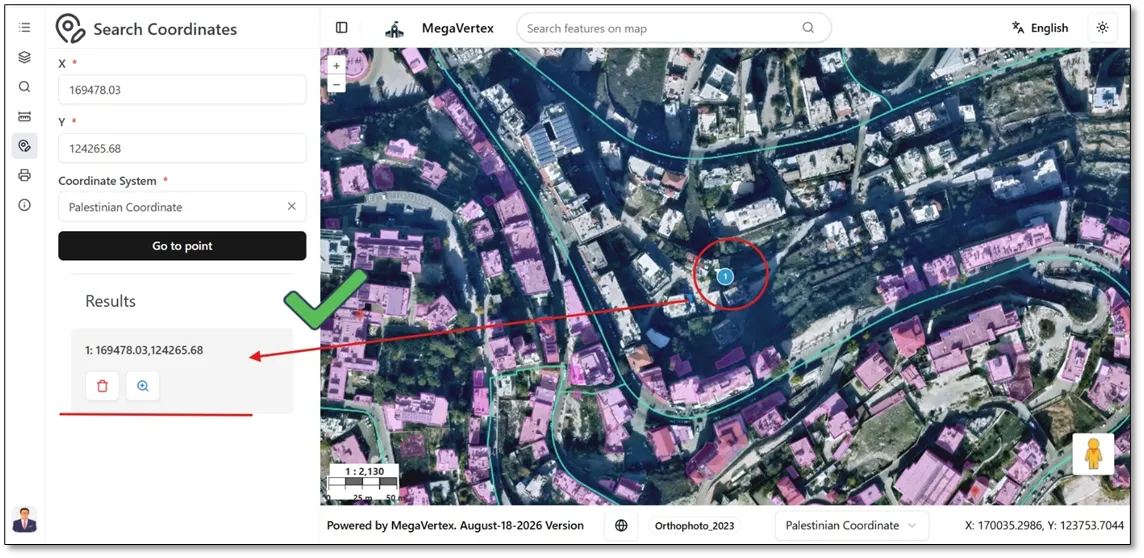
When you click Go to Point, the application locates the specified coordinates and displays the corresponding point on the map, as shown in the figure below.
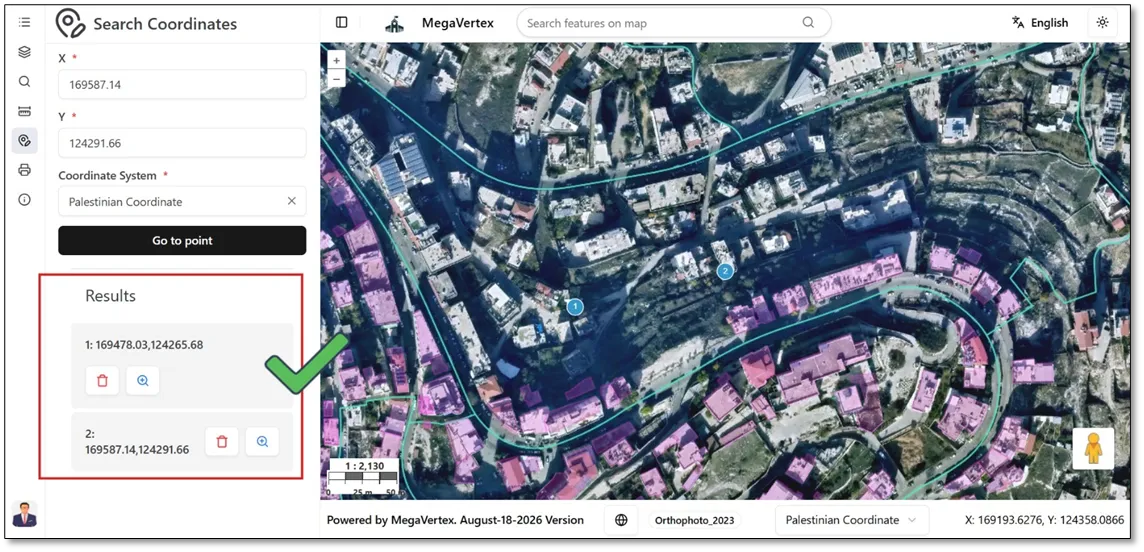
When you enter coordinates for a new point, the results box retains the information for previously located points alongside the new point. All located points are displayed on the map, as shown in the figure below.