Control Panel (For Admins)
1 min
To open the App Control Panel, click the Settings button  on the app card. You will be redirected to the App Control Panel page.
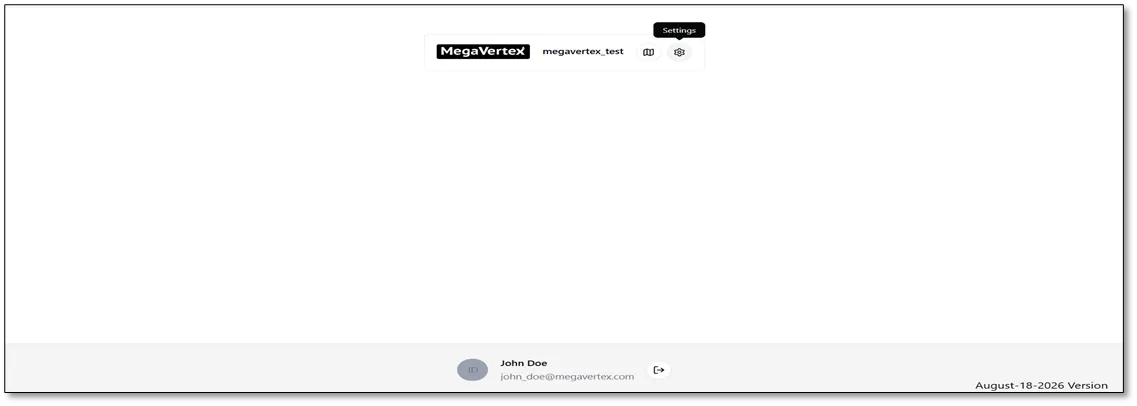
After Pressing on settings button the dashboard page will appear.
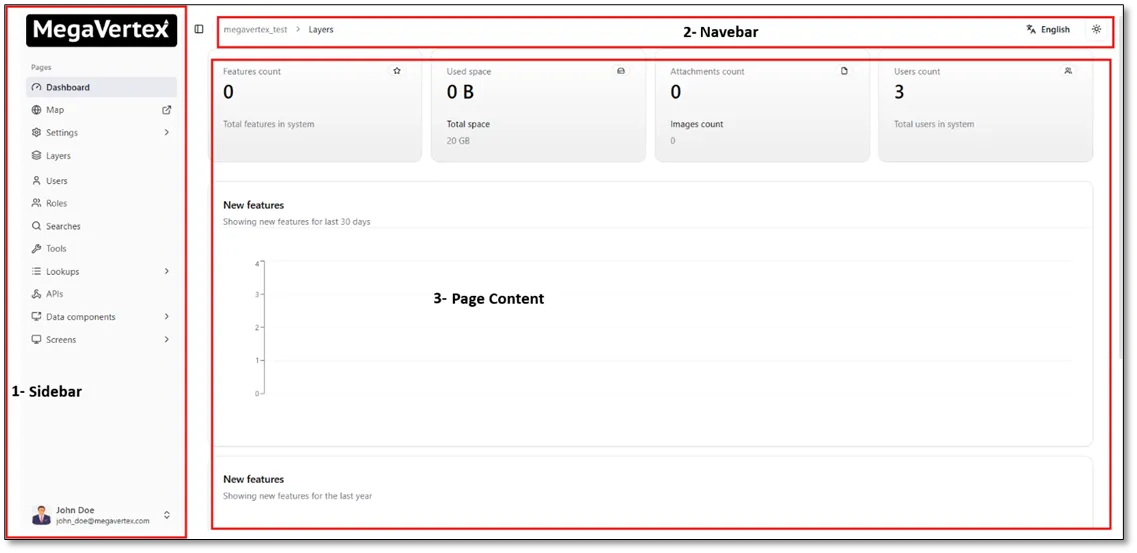
As you can see, MegaVertex dashboard interface is composed of three main components:
1- Sidebar: Contains a menu of buttons that can be used to different app settings pages.
2- Navbar: Contains language selector.
3- Page Content: Contains the settings page opened by the user.
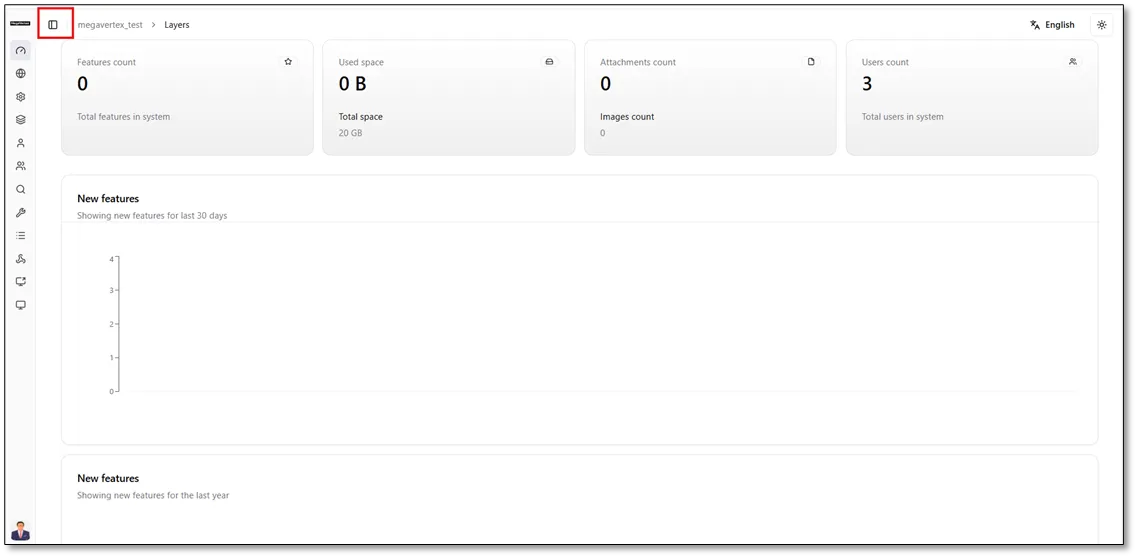
The sidebar can be expanded or collapsed by clicking the Sidebar Toggle button, as shown in the figure below.