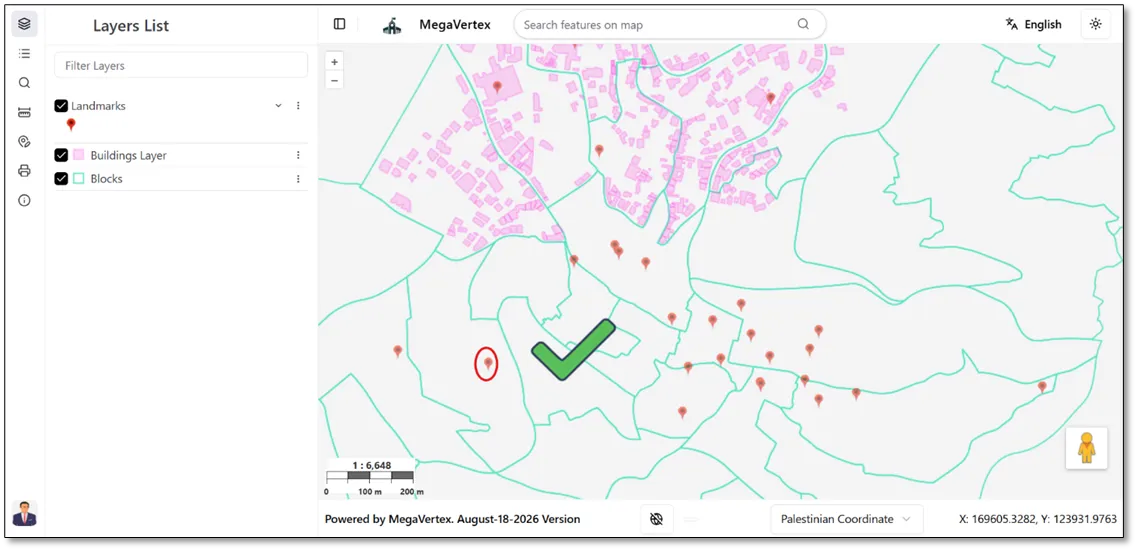
Layer Transparency
1 min
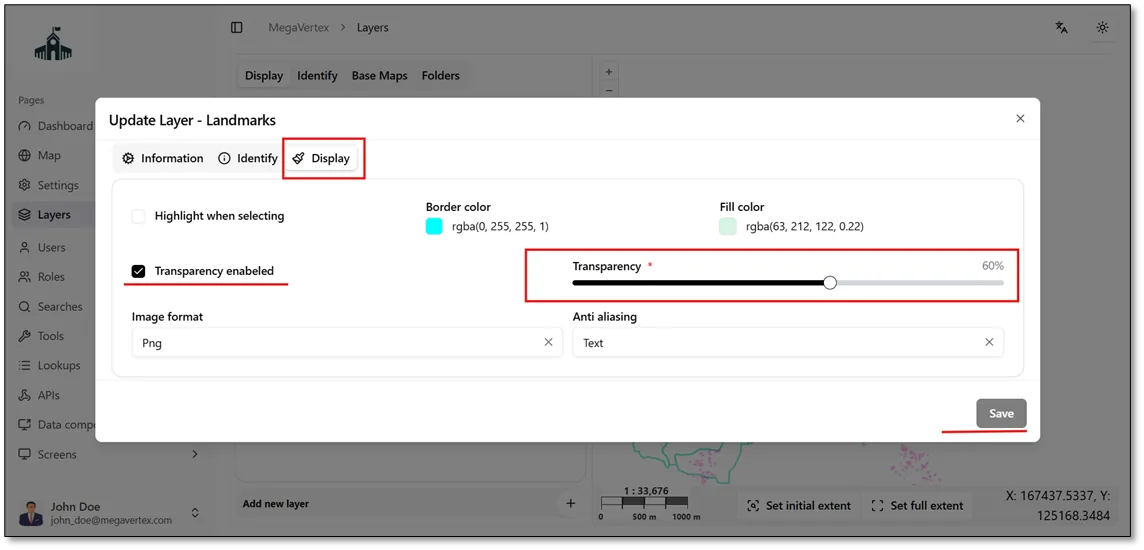
To adjust a layer’s transparency, click the Actions button  and select Update.
 Then, navigate to the Display tab and enable the Transparency option.
 Finally, set the desired transparency percentage, as shown in the figure below.
The layer is displayed with approximately 60% transparency, as shown in the figure below.