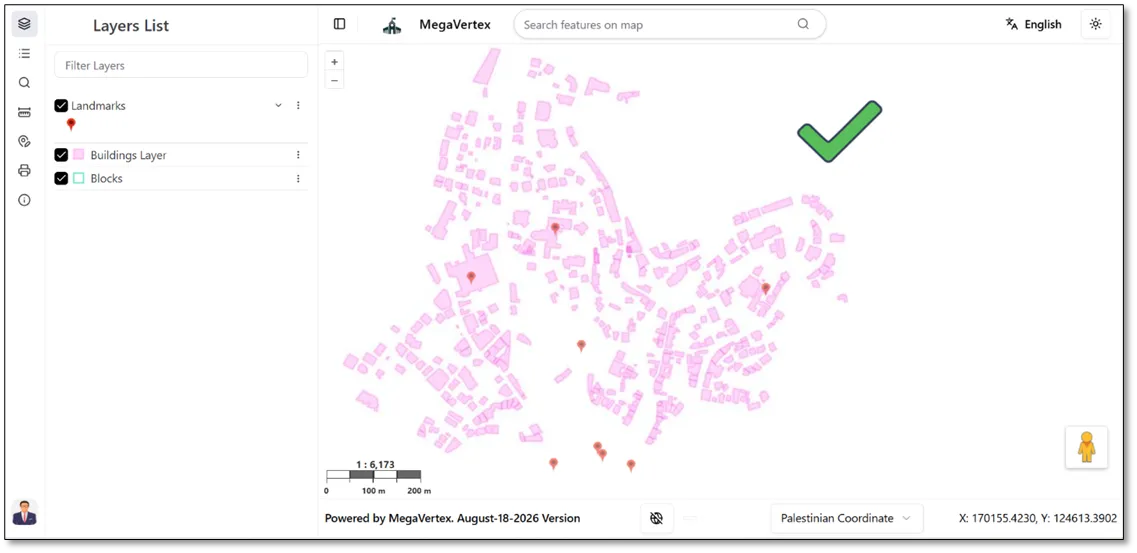
Image format
1 min
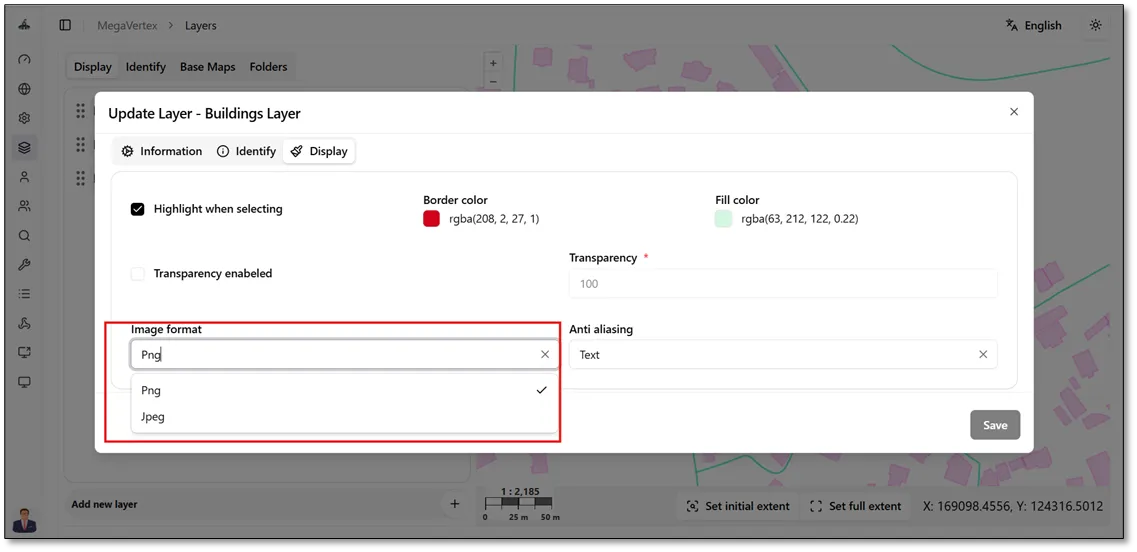
To change the image format of a layer, click the Actions button on the layer and select Update. After that, navigate to the Display tab, where you can choose between two available image formats: PNG and JPEG, as shown in the figure below.
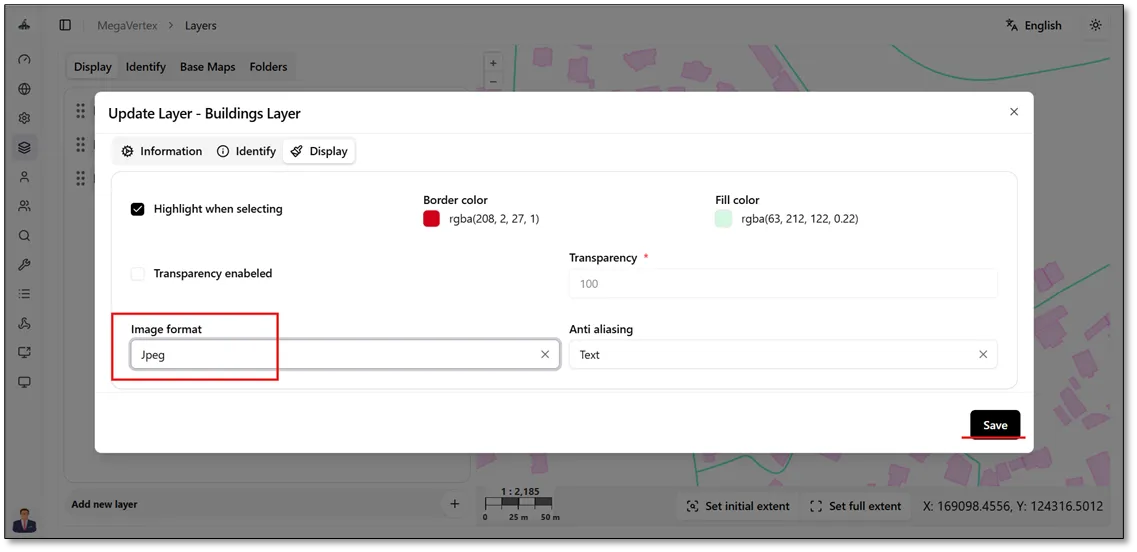
For example, select JPEG as the layer’s image format, as shown in the figure below.
When the layer is displayed in JPEG format, it appears with a white background, as shown in the figure below.