App Logo
1 min
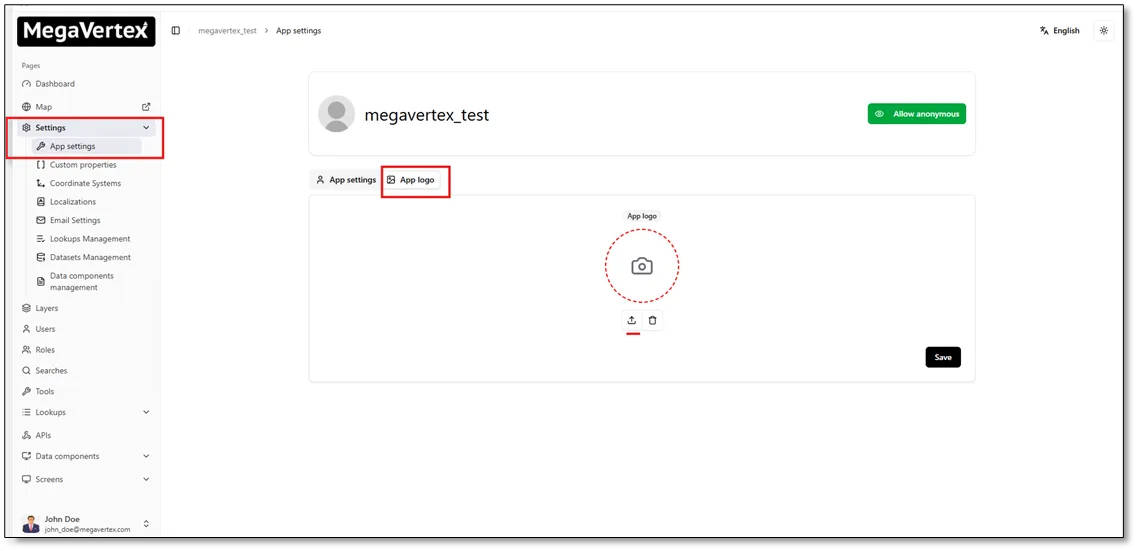
You can change the application logo by navigating to the App Logo tab on the Settings page, as shown in the figure below.
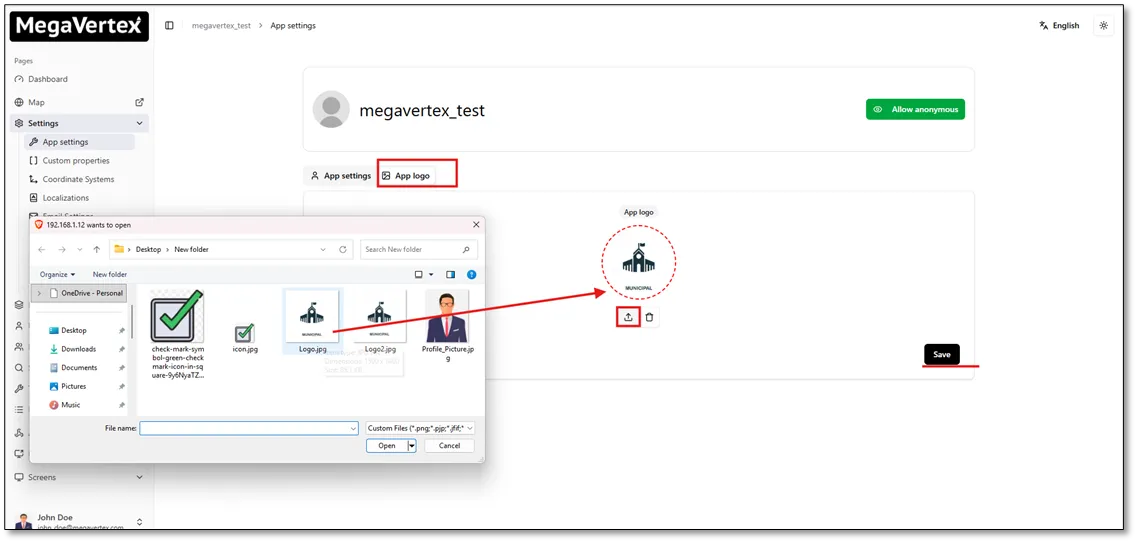
Click the application logo to open the file selection dialog, then choose an image from your local device to use as the new application logo.
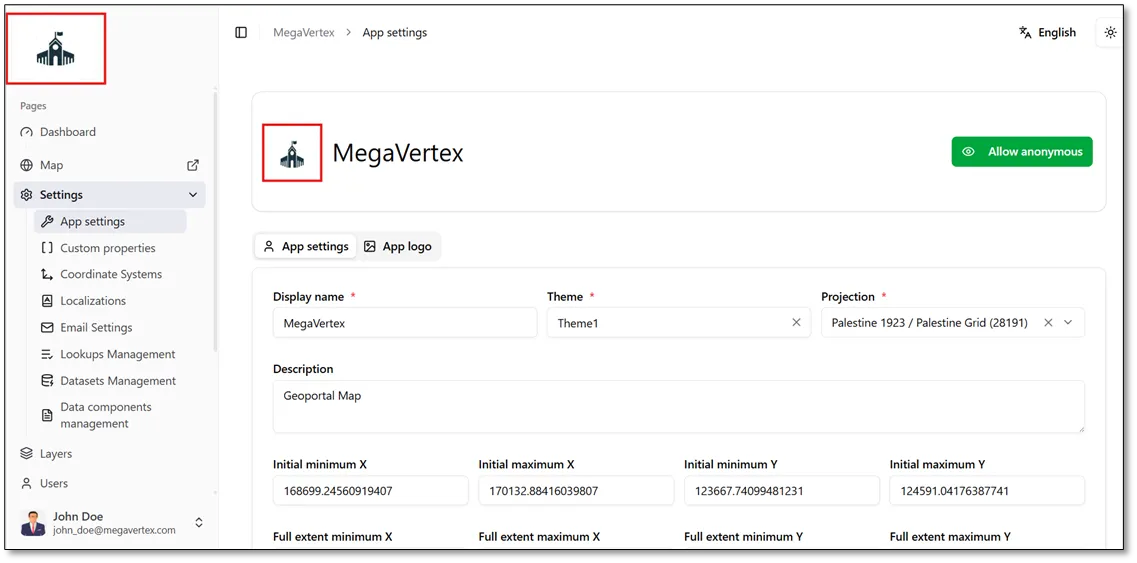
The result below shows the application with the updated logo.
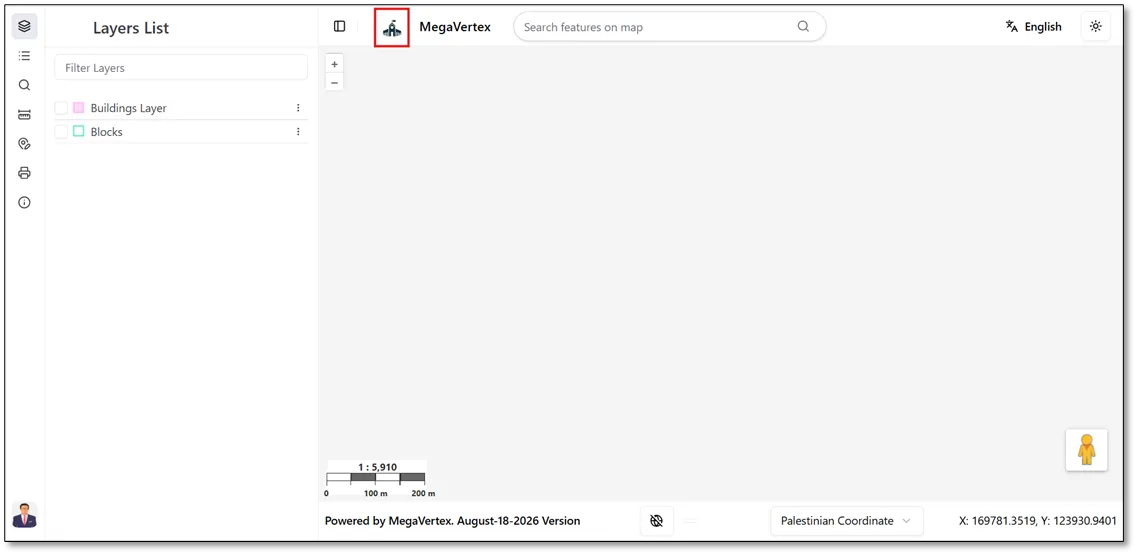
The updated application logo is also displayed on the map, as shown in the figure below.