Styling Layer
1 min
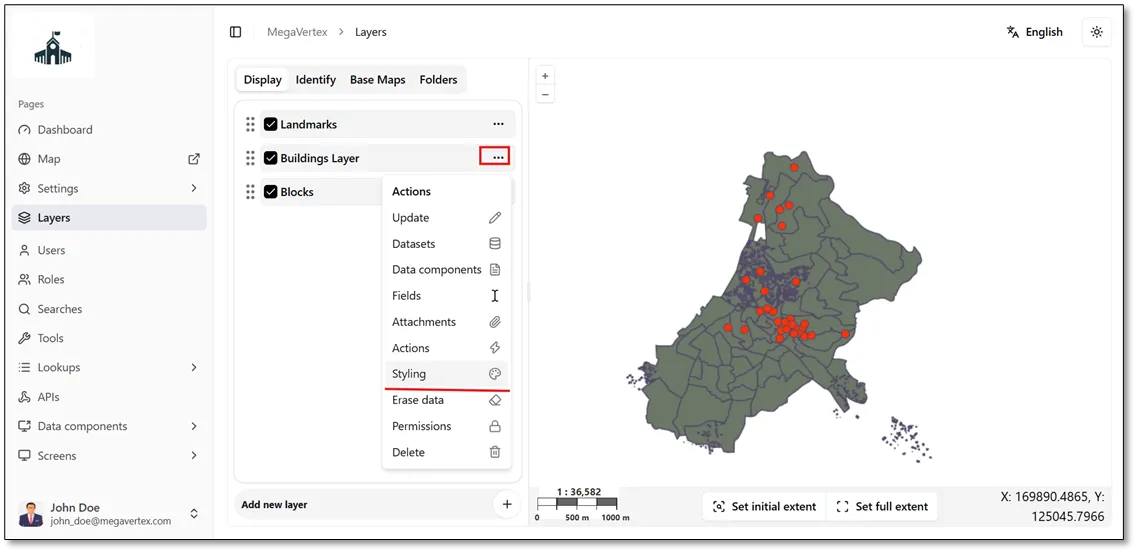
To customize the style of a specific layer, click the Actions button  next to the layer, then select Styling
 , as shown in the figure below.
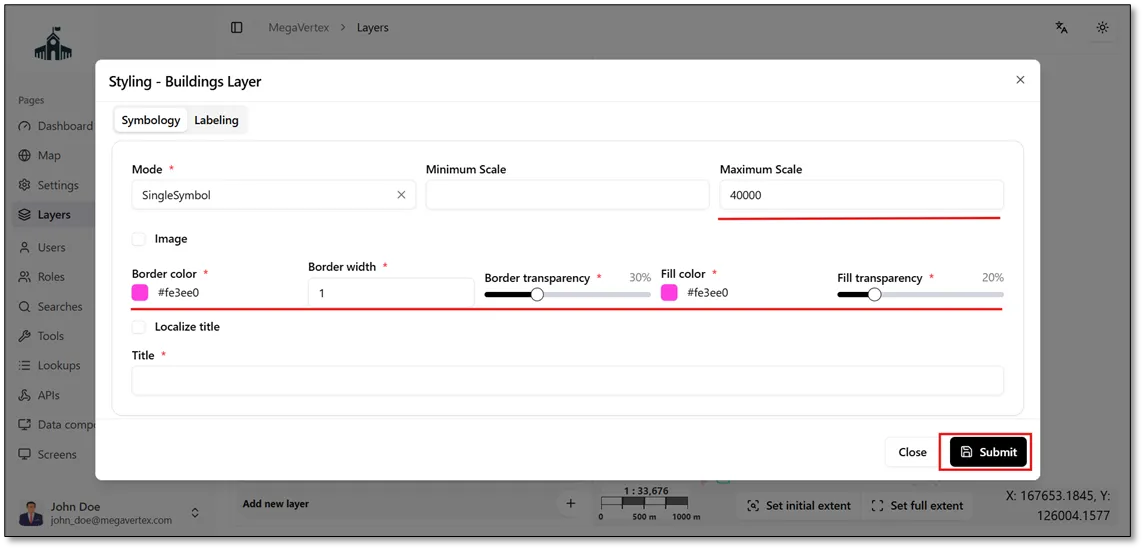
You can customize various layer styling properties, including Border Color, Border Width, Border Transparency, Fill Color, Fill Transparency, and the Minimum and Maximum Scale. Once you have configured the desired properties, click the Submit button to apply the changes.
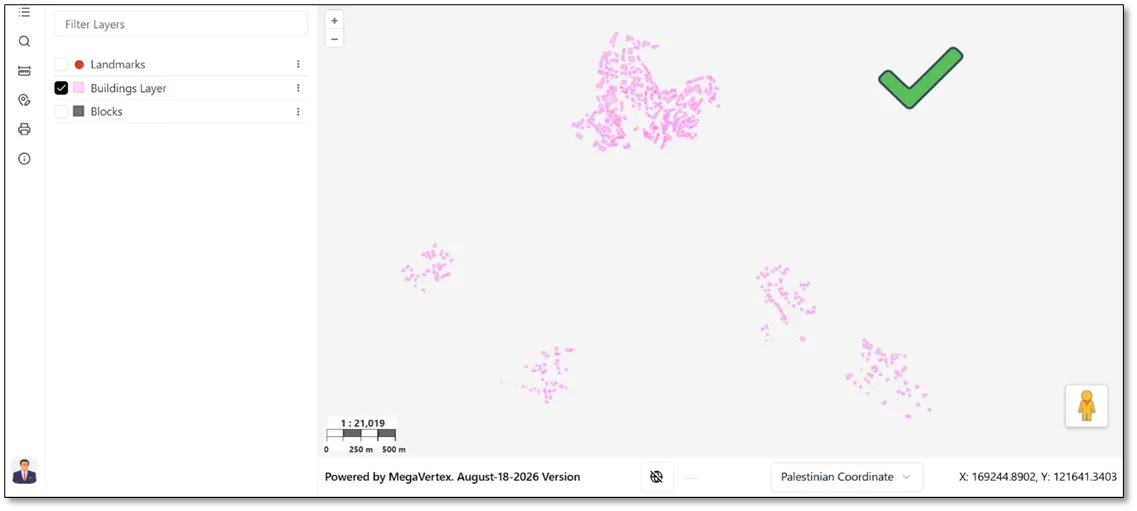
The figure below shows the result after applying the updated styling settings to the layer on the map.