Deleting Layer
0 min
To delete an existing layer from the layer list, click the Actions button  next to the layer and select Delete
 , as shown in the figure below.
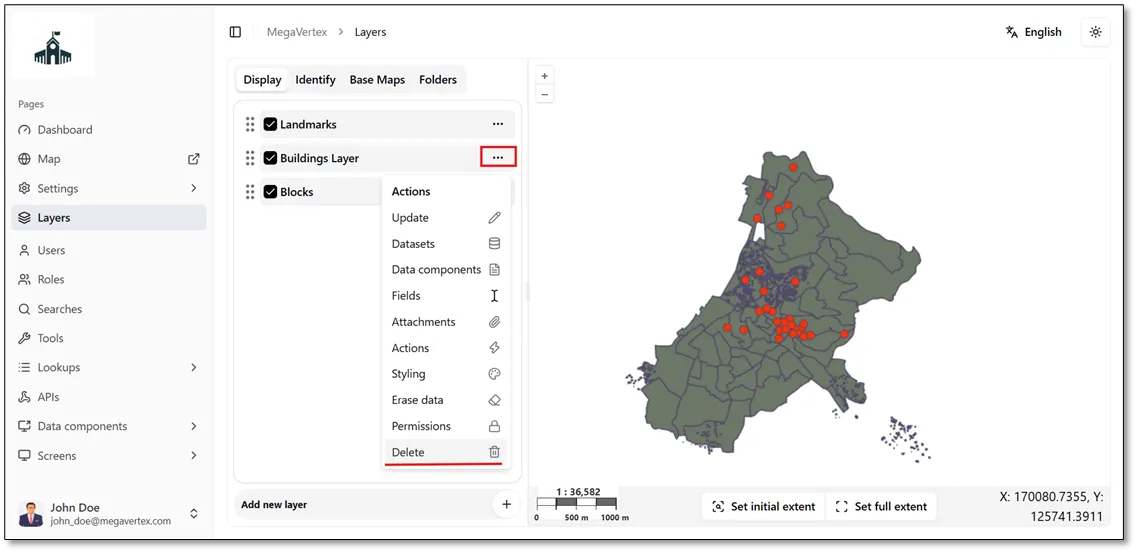
A confirmation dialog will appear. Confirm the deletion to proceed with removing the layer from the application.