Sort Tools
1 min
To change the order of the tools, drag and drop each tool into the desired position, as shown in the figure below.
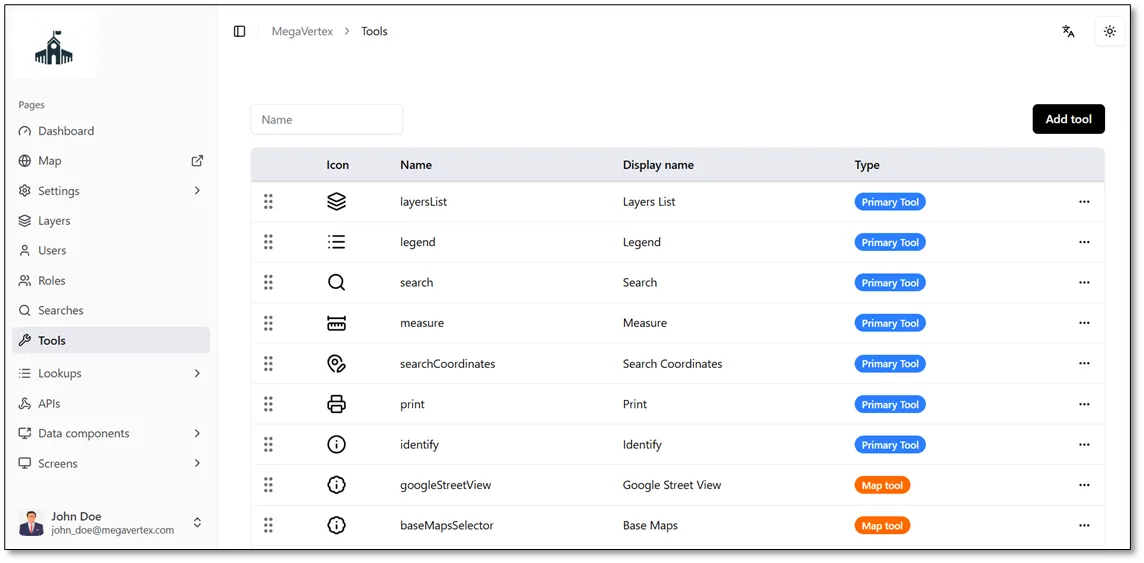
The figure below shows the order before the drag-and-drop operation.
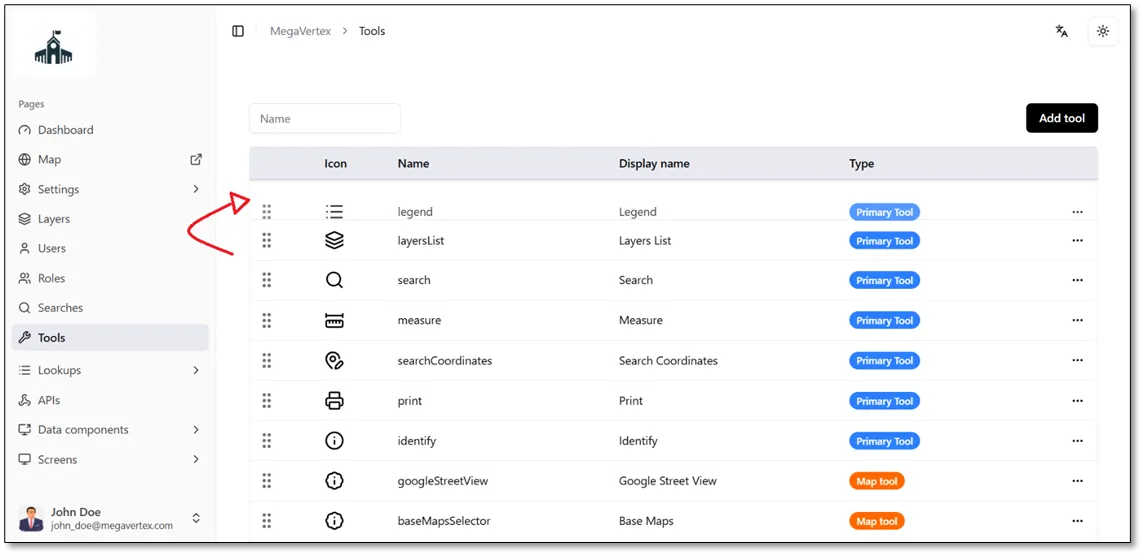
The figure below shows the order during the drag-and-drop operation.
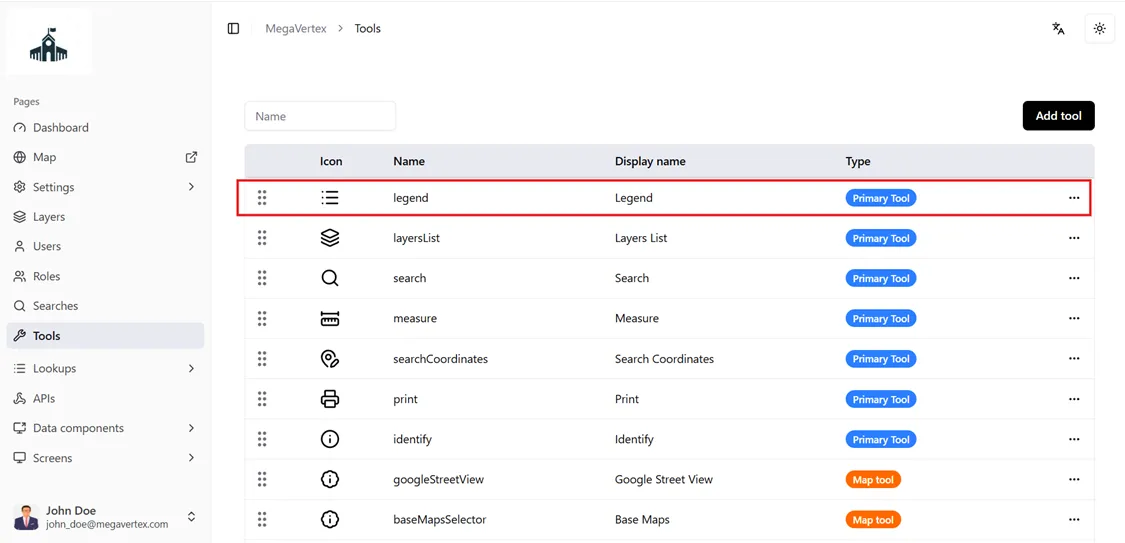
The figure below shows the order after the drag-and-drop operation is completed.
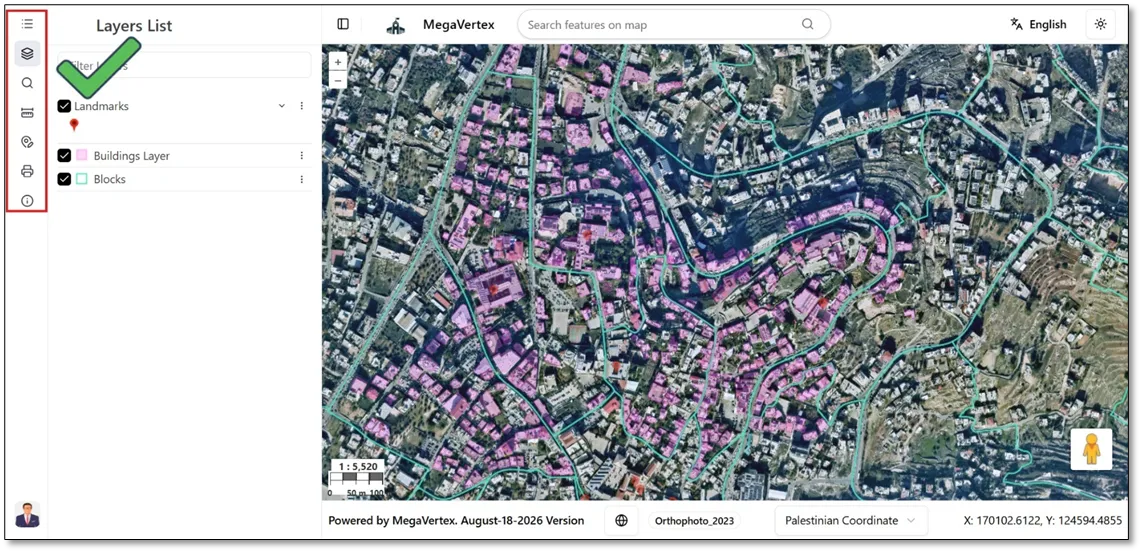
When you navigate to the Map page, you will notice that the tools are displayed in the updated order, reflecting the changes made on the Tools page.