Open Legend by Default for a layer
1 min
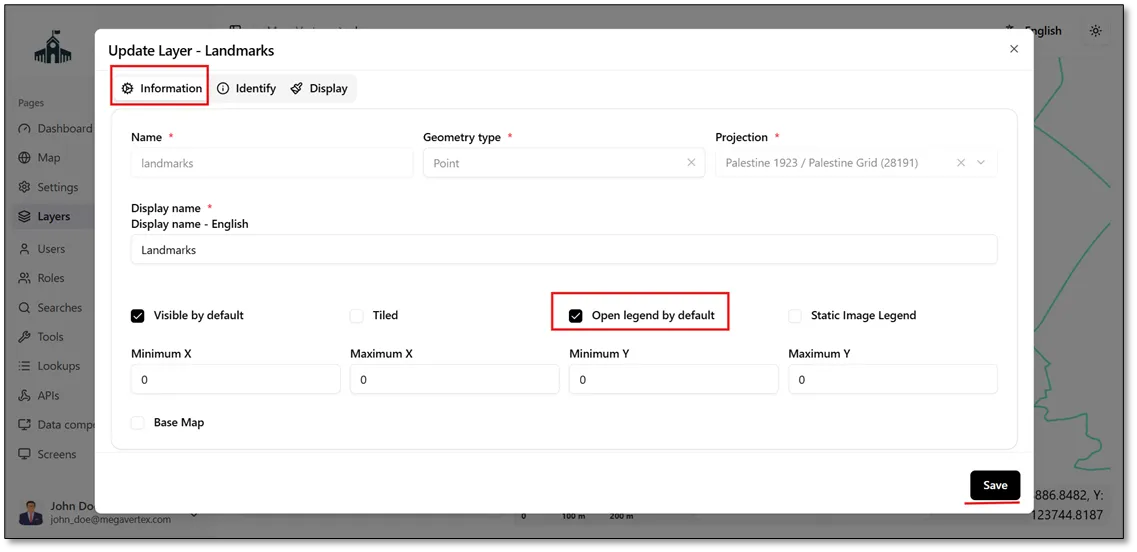
To display a layer's legend by default, navigate to the Layers page and click the Actions button  next to the target layer. Select Update
 to open the layer settings. In the Information section, check the Open Legend by Default checkbox, then click Save to apply the changes, as shown in the figure below.
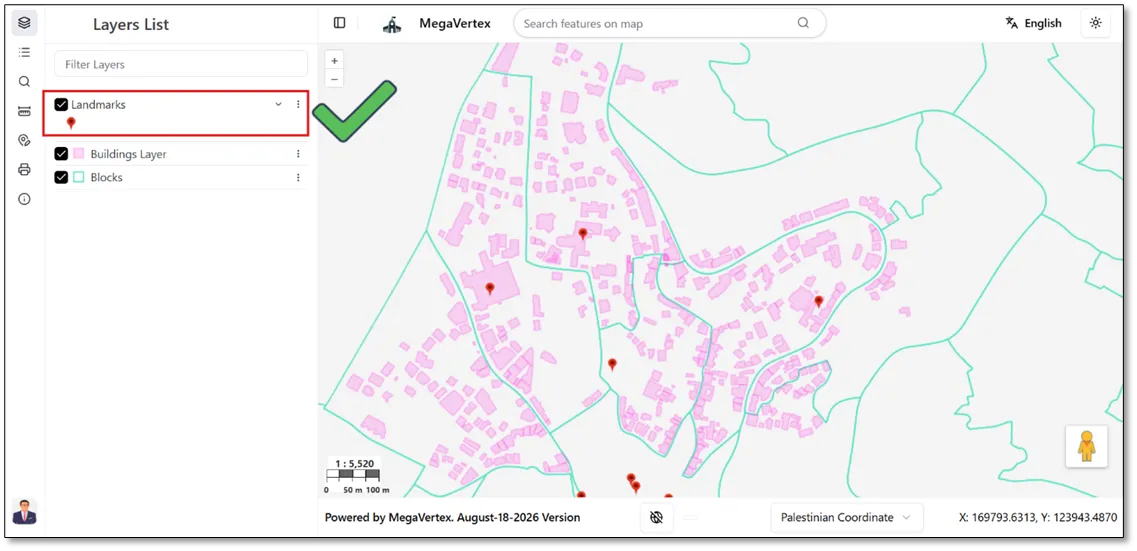
The figure below shows the result on the map, demonstrating that the layer's legend opens automatically by default when the map is accessed.