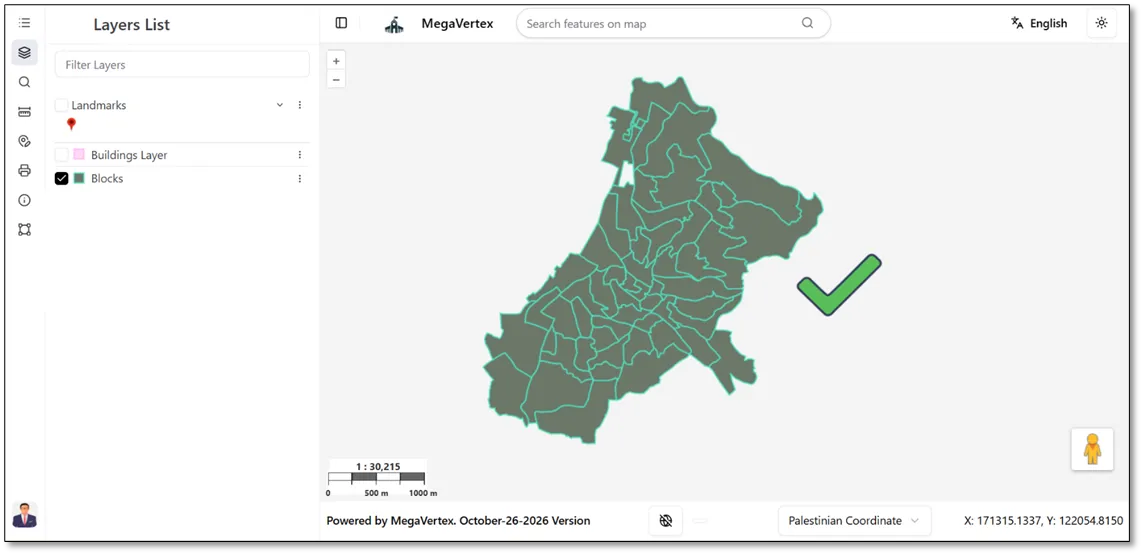
Fill Transparency
1 min
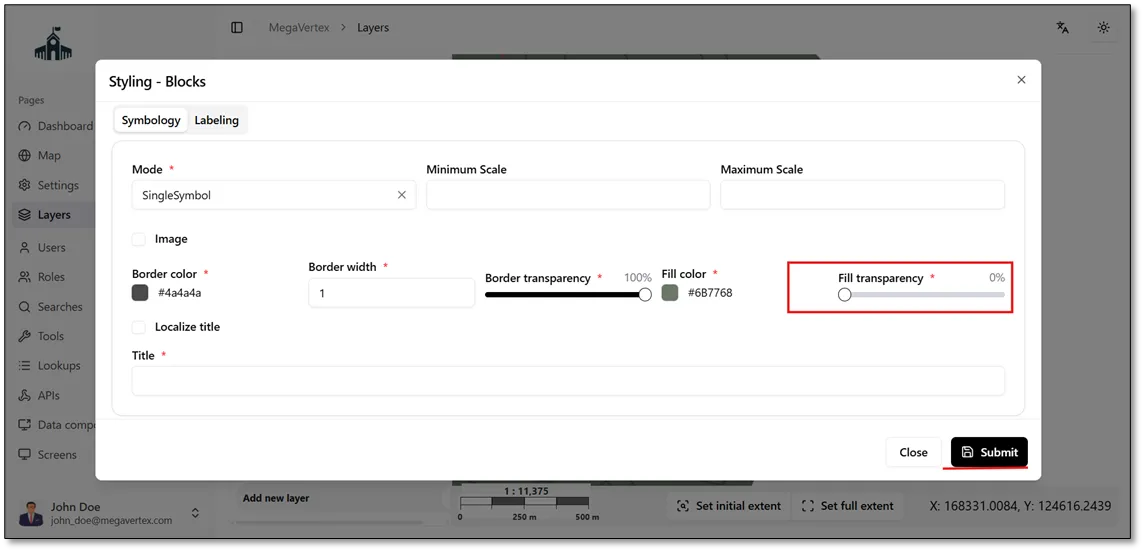
To make a layer's fill completely transparent, set the Fill Transparency value to 0%, as shown in the figure below.
When Fill Transparency Is Set to 0%
The layer's fill becomes fully transparent, allowing the underlying map features to remain visible.
The result below shows the layer with a fully transparent fill, allowing the underlying map features to remain visible.
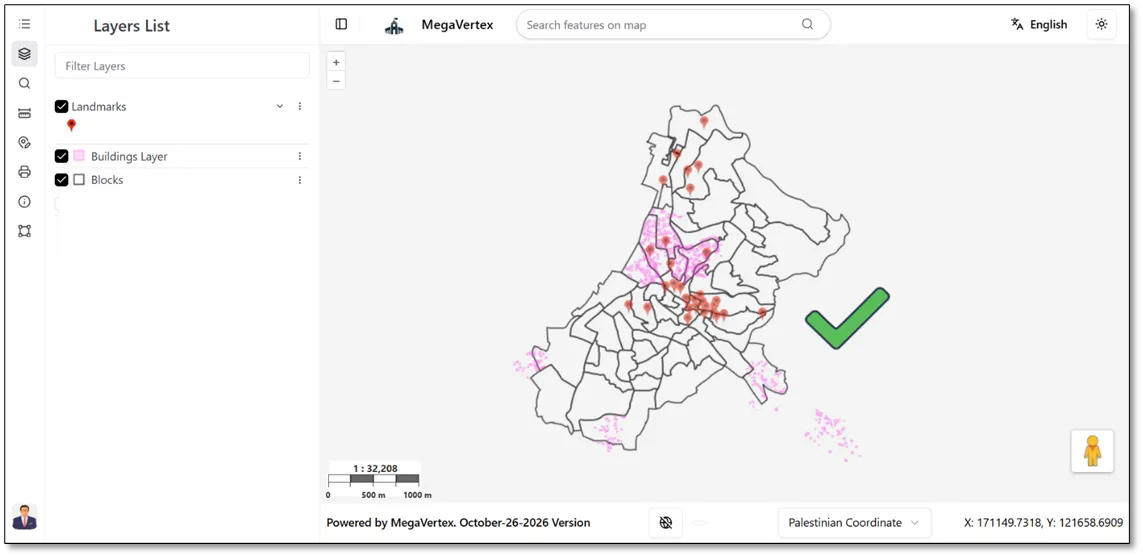
To make the layer fill fully opaque (non-transparent), set the Fill Transparency value to 100%.
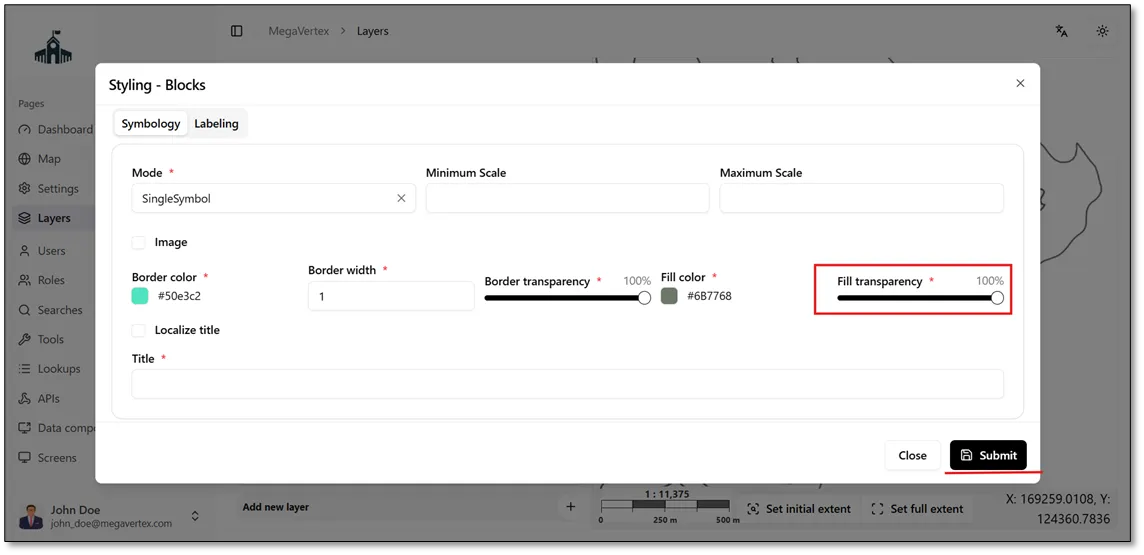
The result below shows the layer with a fully opaque fill, as the Fill Transparency value is set to 100%.