Change User Password
1 min
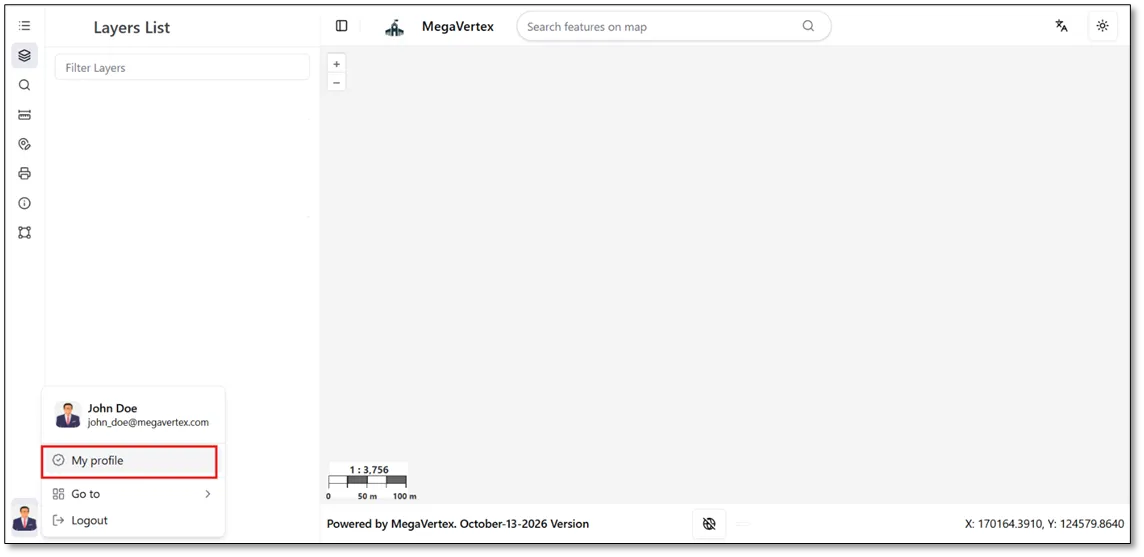
MegaVertex allows users to change their passwords through the My Profile section. To update your password, navigate to My Profile and follow the available password change options, as illustrated in the figure below.
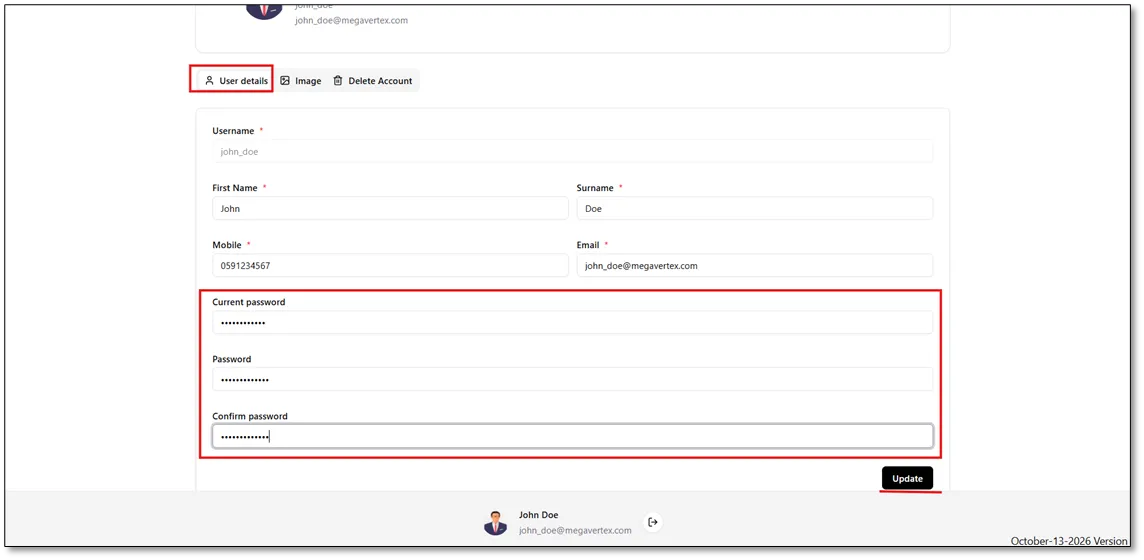
After clicking My Profile, the User Details tab will appear. Enter your current password, then enter your new password and confirm it in the designated fields. Once all fields have been completed, click Update to save the changes, as illustrated in the figure below.
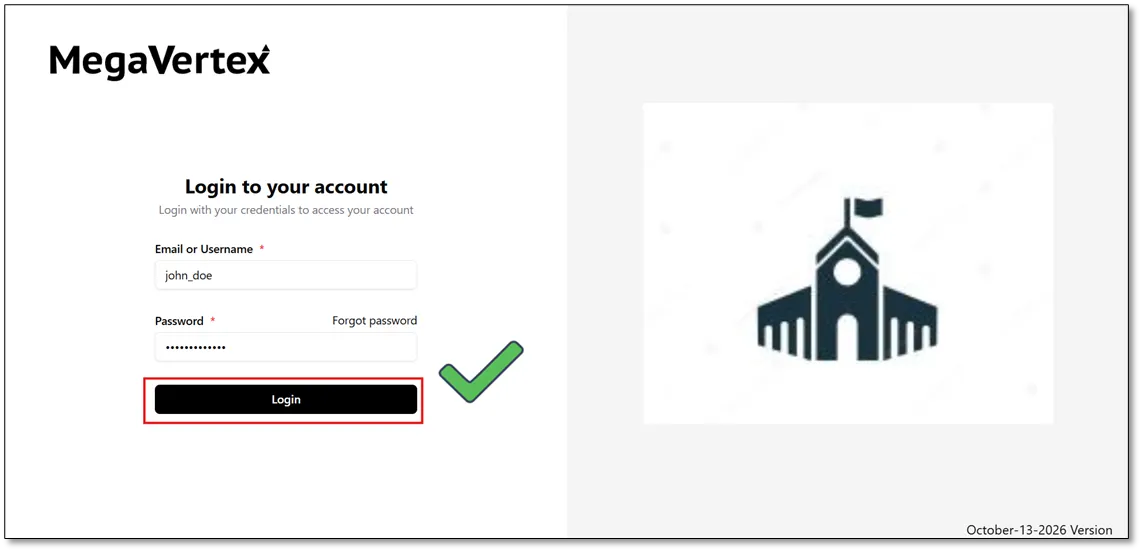
Once the password has been successfully updated, users can log in to MegaVertex using their new password.