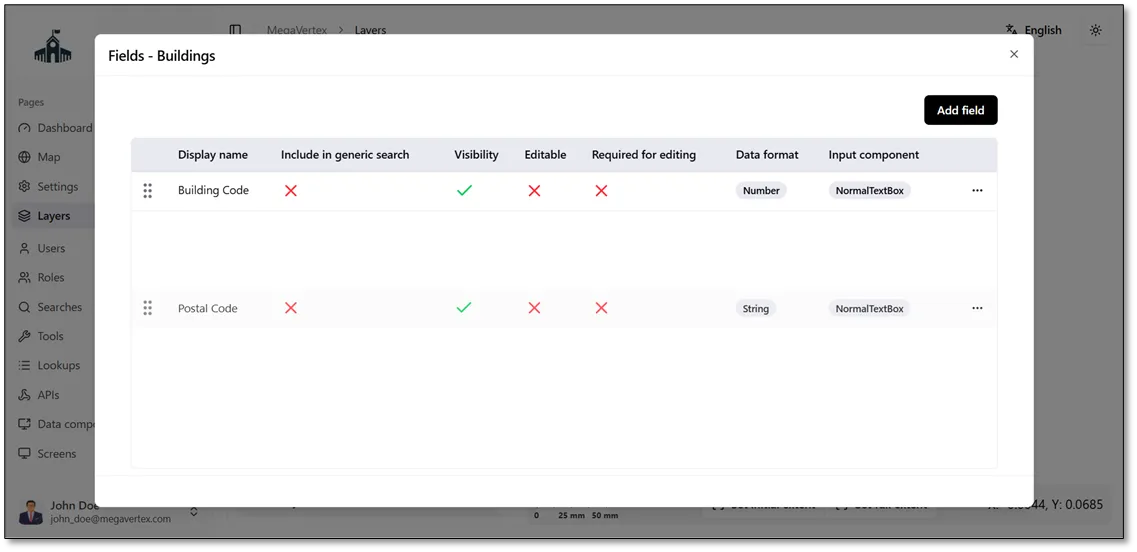
Change display name or delete field
1 min
You can update or delete an existing field by clicking the Actions icon  next to the field and selecting Update
 to modify its details or Delete
 to remove it.
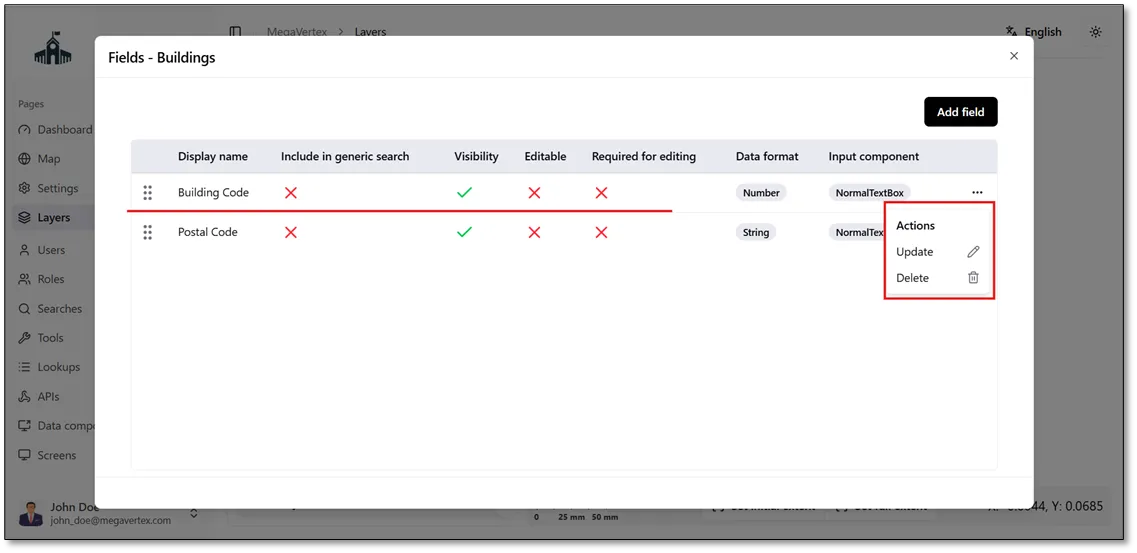
You can also change the order of fields by clicking and dragging a field up or down to the desired position, as shown in the figure below.