Generic Search
1 min
The Generic Search tool, located at the top of the application, can be configured to search for specific values within a particular layer field. For example, as shown in the figure below, it can be used to search for a landmark by name within the Landmarks layer.
As you type the landmark’s name, a drop-down list of matching suggestions appears, allowing you to select the desired result.
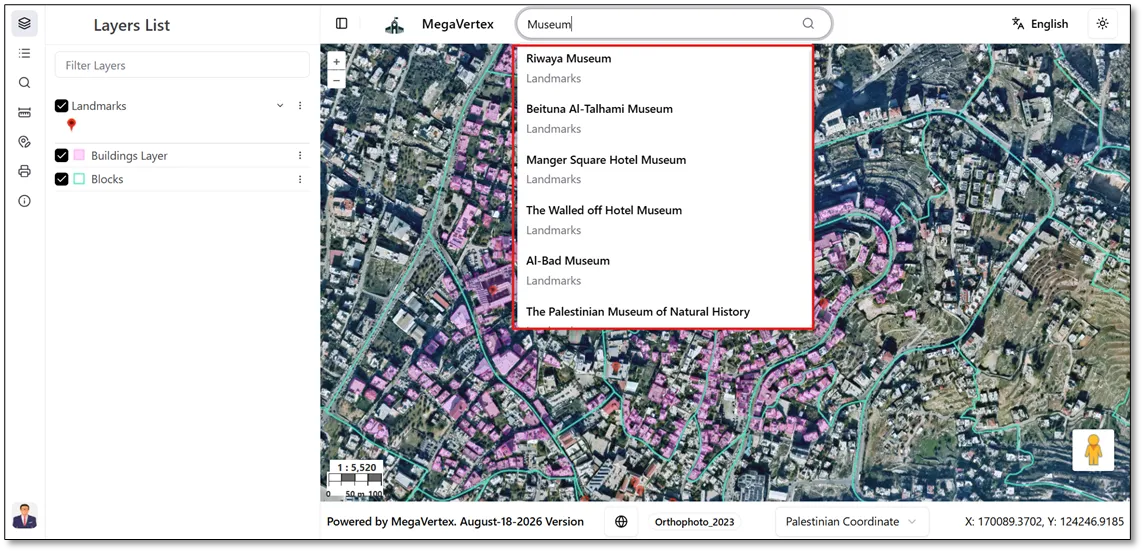
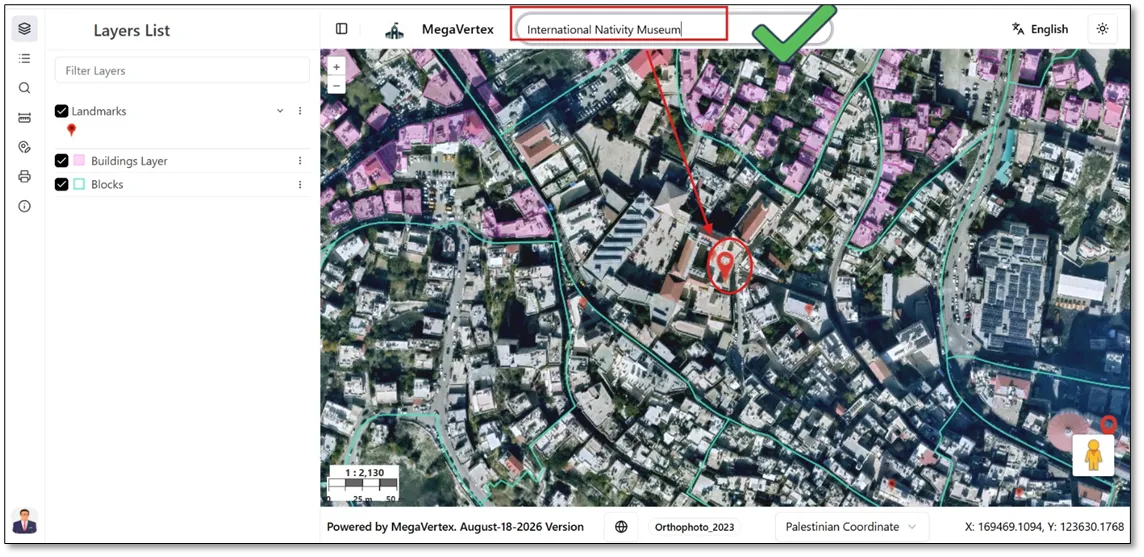
When you select a landmark name from the search suggestions, the corresponding feature is selected and highlighted on the map, as shown in the figure below.
To learn more about customizing the generic search for a specific layer, refer to the Generic Search section.