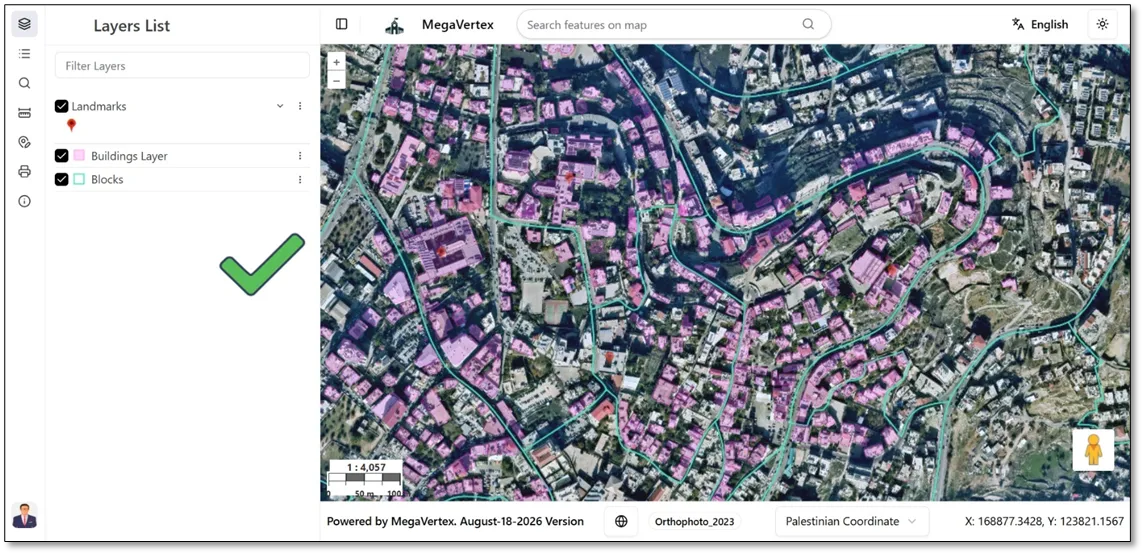
Map Navigation
1 min
To zoom, use the 'Zoom In' and 'Zoom Out'  buttons, the wheel button
 . You can also zoom in by pressing the Shift key while dragging a box on the map.
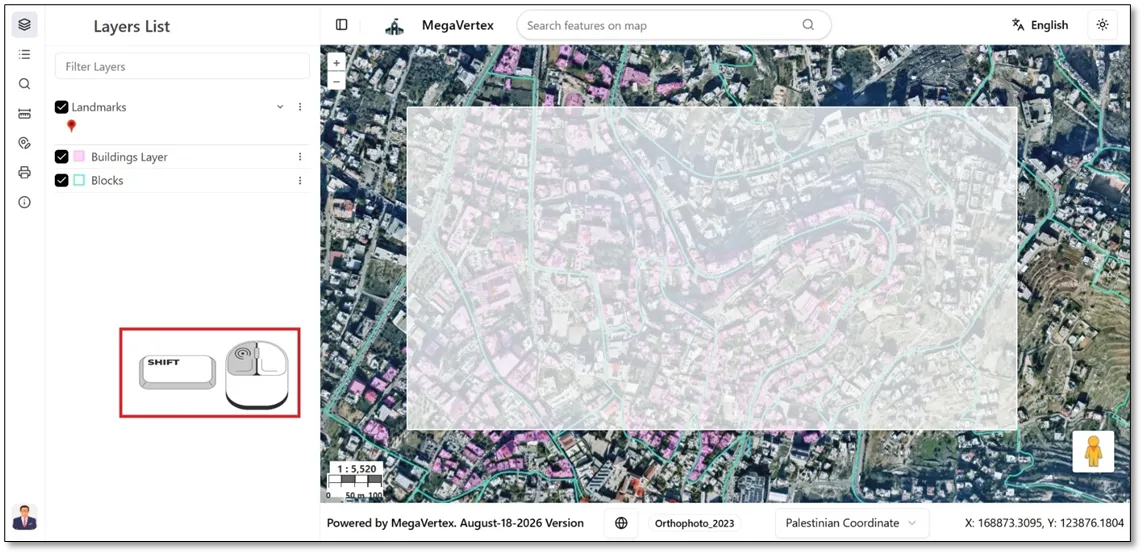
When you zoom in by pressing the Shift key while dragging a box on the map, the screen will appear as shown in the picture below.